
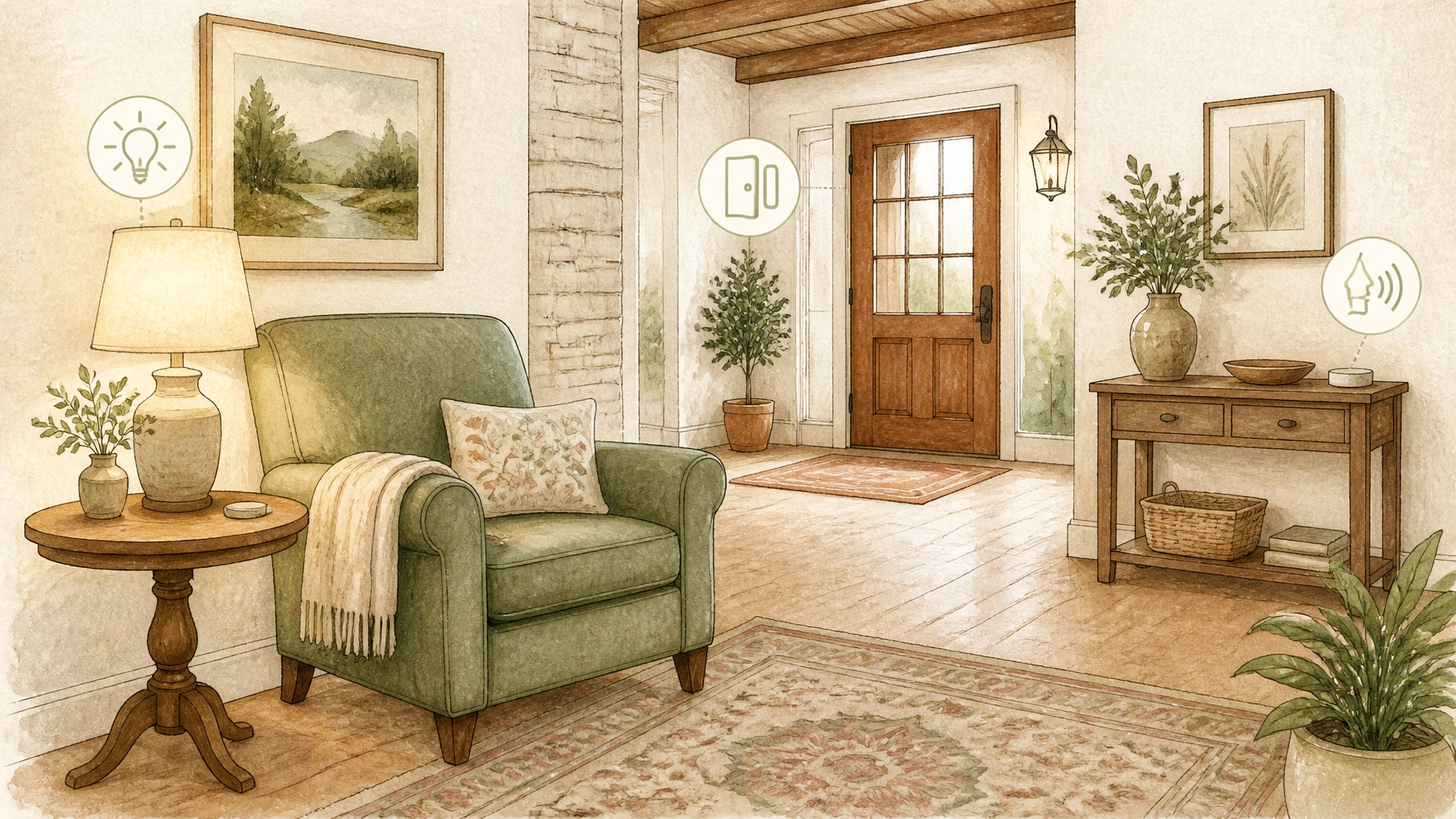
For many retirees, independence does not mean doing everything alone. It means having the freedom to enjoy your home, your routines, and your community, with a little help when it makes life easier.
That help may come from a neighbor, family member, trusted professional, or increasingly, a thoughtfully chosen piece of technology.
Aging-in-place technology can support everyday comfort and convenience through smart lighting, voice assistants, medication reminders, fall-alert devices, home sensors, and accessibility features. But the goal is not to turn a home into a science-fiction command center. The best technology is often the quietest: it works in the background, reduces friction, and leaves you more time for coffee on the porch, a walk through Landa Park, or dinner with friends.
As UCLA Health explains, “aging in place” means living independently at home for as long as possible. Technology can be part of that strategy, but it should be one part of a larger lifestyle plan.
What aging-in-place technology can, and cannot, do
Technology can make certain tasks simpler. It can turn on a hallway light, remind someone about an appointment, provide a way to request help, or notify a family member that a door has opened.
It cannot replace judgment, companionship, professional care, or a reliable person who knows what to do when an alert arrives.
That distinction matters. A device may support independence, but it does not guarantee safety or prevent every problem. Devices can lose power, disconnect from the internet, misinterpret activity, or simply go unused if they are too complicated.
A 2023 pilot study published in the International Journal of Older People Nursing found that personalized smart-home technology was associated with improvements in participants’ reported quality of life and feelings of future security. However, the study was relatively small, and the researchers described the findings as preliminary. In other words: promising, yes; magic wand, no. You can read the full study through the National Library of Medicine.
1. Smart lighting for easier movement around the home
Lighting is one of the most practical places to begin.
Motion-activated lights can illuminate a hallway when someone gets out of bed. Timers can turn on exterior lighting before sunset. Voice controls may allow someone to adjust lights without crossing a dark room or reaching for a small switch.
For a Hill Country home, smart lighting can also be useful outdoors. Pathway lights, porch fixtures, and garage lighting may be scheduled around the household’s normal routines.
When considering a system, look for:
- A physical wall switch that still works if the smart feature is offline
- Motion sensors in high-traffic areas
- Multiple control options, such as a switch, voice command, and app
- Brightness settings that are comfortable rather than harsh
- Simple instructions that guests and family members can understand
The ideal setup should feel natural. If turning on a lamp requires remembering three commands and navigating two apps, the lamp may have won the technology battle but lost the lifestyle contest.

2. Fall-alert devices and emergency response tools
Fall-alert devices can take several forms, including pendants, wrist-worn buttons, watches, and systems with two-way communication. Some are designed to let the wearer request help manually. Others may attempt to recognize a fall and send an alert.
The important question is not simply, “Does it detect a fall?” It is, “What happens next?”
Before choosing any emergency-response device, clarify:
- Who receives the alert first
- Whether the system uses Wi-Fi, cellular service, or both
- Whether the device works outside the home
- How the wearer can cancel a false alarm
- Whether the battery requires regular charging
- What information responders will have access to
- Whether a real person is available to respond
A fall-alert device is only useful if it is worn, charged, within range, and connected to a response plan. A family member might be the first contact, or the system might route an alert to a monitoring center. The arrangement should match the household’s preferences and needs.
This is also a good time to create a simple emergency information sheet. It might include contact names, preferred hospitals, entry instructions, and other details that the household chooses to share. Keep it current, and store it securely.
3. Medication reminders without making assumptions
Medication reminders may include phone alarms, smart speakers, dedicated dispensers, calendar alerts, or a printed schedule paired with a traditional organizer.
These tools can help with timing and routine, but they do not determine what someone should take, how much to take, or whether a medication plan is appropriate. Those questions belong with a qualified healthcare professional.
A reminder system may be worth exploring when someone:
- Has several daily reminders to manage
- Finds ordinary alarms too easy to dismiss
- Wants a family member notified when a reminder is missed
- Prefers audio prompts or a larger display
- Needs a more consistent routine while traveling
Ask how the device handles refills, missed reminders, power outages, and internet interruptions. A low-tech backup, such as a printed schedule and a trusted person who understands the routine, can be useful.

4. Voice assistants for hands-free routines
Voice assistants can help with everyday tasks such as setting timers, making calls, controlling lights, checking the weather, or creating reminders.
They may be especially convenient for someone who finds small buttons, touchscreens, or phone menus frustrating. A simple spoken command can be easier than finding the right app, particularly when the phone is in another room doing its best impression of a missing sock.
Still, voice technology has limitations. It may misunderstand words, struggle with background noise, or respond differently after a software update. Users should practice important commands and keep another way to call for help.
Privacy is another consideration. Voice assistants may process recordings or commands through cloud services. Before installing one, review the manufacturer’s privacy settings, recording-retention policies, and data-sharing options. Decide whether the device belongs in every room, or only in selected areas.
5. Home monitoring: useful information or too much information?
Home monitoring can include door sensors, window contacts, motion sensors, appliance monitors, cameras, and systems that track patterns of activity.
Non-camera sensors may provide information without recording video. For example, a door sensor could show that someone arrived home, while a refrigerator or pantry sensor might indicate ordinary household activity. Cameras can offer a view of an entryway, but they also raise more significant privacy questions.
A thoughtful discussion should cover:
- What is being monitored
- Who can see the information
- Whether data is stored and for how long
- How alerts are triggered
- How monitoring can be paused
- Which rooms are always private
- Whether the person living in the home has freely agreed
Bedrooms and bathrooms generally deserve the strongest privacy boundaries. In many situations, less intrusive sensors may provide enough information without creating the feeling of being watched.
The objective should be support, not surveillance. Too many alerts can also create “alert fatigue,” where family members begin ignoring notifications because everything seems urgent.
6. Accessibility features can matter more than smart features
A home does not need to be filled with connected devices to become more comfortable.
Simple accessibility features may include:
- Brighter, evenly distributed lighting
- Large-print labels
- Lever-style door handles
- Easy-to-reach switches
- Nonslip flooring
- Clear pathways
- Contrasting colors at steps and thresholds
- Doorbells with both sound and visual signals
- Voice-to-text and text-to-speech settings
- Larger fonts and simplified phone displays
These changes are not flashy, but they can be highly practical. Technology works best when paired with a home environment that is easy to navigate.
If you are considering a move to New Braunfels, the home itself deserves as much attention as its smart features. Think about the layout, entry points, bathroom access, lighting, maintenance demands, and distance to the activities that make retirement enjoyable. Our guide to adapting to the slower pace of New Braunfels may help frame that broader lifestyle conversation.
The internet and power question
Many smart-home devices depend on Wi-Fi, electricity, or cloud services. Before relying on technology, test the home’s internet coverage in the places where devices will be used.
Plan for interruptions:
- Keep a non-internet emergency contact method available
- Use devices with cellular backup when appropriate
- Make sure essential lights still work manually
- Keep batteries charged and replacement batteries accessible
- Know how to restart the modem and router
- Maintain paper instructions for important routines
- Assign someone to test the system periodically
A device that works beautifully on Tuesday may need attention after a power outage, router replacement, or software update. Maintenance is part of the plan.
Human support remains the most important feature
The best aging-in-place technology is connected to real people.
That may mean a weekly family call, a nearby neighbor, a home-maintenance contact, a healthcare professional, or a designated person who can respond to an alert. Everyone involved should know who handles setup, troubleshooting, updates, and follow-up.
Aging in place is not an all-or-nothing promise. Abilities, preferences, and household needs can change over time. Review the technology occasionally and remove anything that has become confusing, unnecessary, or intrusive.
For families considering a retirement move, these conversations can also be part of a broader transition plan. At Mau Sanchez Capital, we help families think through the financial side of major lifestyle decisions, including how a potential move may fit within a larger retirement income and investment strategy. Any financial decisions should be personalized and discussed with a fiduciary advisor under a written advisory agreement.
So, can technology help you stay independent?
Yes, when it is simple, personalized, maintained, and paired with human support.
Start with the problem rather than the gadget. Is nighttime lighting difficult? Is remembering appointments frustrating? Would a hands-free calling option make daily life easier? Is a family member seeking reassurance without wanting to install cameras throughout the home?
Answer those questions first. Then choose the least complicated tool that addresses the actual need.
A comfortable retirement home does not need to feel like a laboratory. It should feel like home, only a little more responsive, a little easier to navigate, and ready to support the life you want to live in New Braunfels and the Texas Hill Country.
If you are considering a relocation, downsizing decision, or broader retirement transition, learn more about Mau Sanchez Capital or call (512) 593-8380.
Schedule a private meeting with a fiduciary financial advisor today by calling (512) 593-8380 or by visiting: https://calendly.com/portafoliocapital/15min
Portafolio Capital Management dba Mau Sanchez Capital is a Registered Investment Adviser. This content is for informational purposes only and does not constitute investment advice or a solicitation to buy or sell any security. Advisory services are provided only pursuant to a written advisory agreement.
This article may include stories, scenarios, and perspectives created or assisted by artificial intelligence. Although the individuals and circumstances described may be fictional, the topics are intended to reflect real financial, personal, and lifestyle issues that retirees and individuals commonly face.
The content is provided to encourage readers to consider different perspectives that may affect their retirement, regardless of whether they are currently planning, approaching retirement, or already retired. It is intended for general educational and informational purposes only and should not be interpreted as personalized investment, financial, tax, legal, medical, or retirement-planning advice.
Individual circumstances vary. Readers should independently verify any information presented and consult appropriately qualified professionals before making financial or personal decisions. No advisory, professional, or client relationship is created through the use of this website.
Leave a Reply